01
Capture a word
Enter one Korean word or a list of up to 40. Hangul creates cards in parallel, with Vietnamese meanings, usage notes and Korean examples.
 Hangul
Turn the Korean words you encounter into vocabulary you remember. Build flashcards with Vietnamese meanings, natural examples and a manageable review schedule.
Android beta 0.2.11 is available through Google Play internal testing for invited accounts. Already invited? Open Google Play.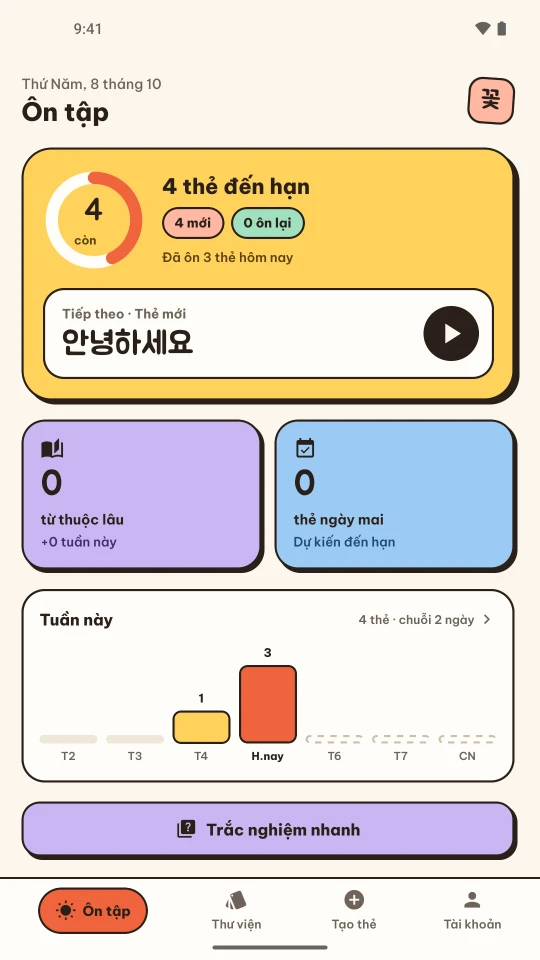
A simple learning loop that keeps your attention on Korean, rather than organizing notes.
Enter one Korean word or a list of up to 40. Hangul creates cards in parallel, with Vietnamese meanings, usage notes and Korean examples.
Hangul schedules reviews around your recall. Try to remember, reveal the meaning, then rate how well you knew it.
Organize cards into groups, practice with quizzes and sync your library. Review saved cards even when you are offline.
Try a small flashcard. Recall the meaning before revealing it, just as you would in Hangul.
Xin chào
안녕하세요, 만나서 반가워요.
Hello, nice to meet you. (The app provides Vietnamese translations.)
Website sample card · No study progress is saved
Colorful cards, clear text and a small daily practice.
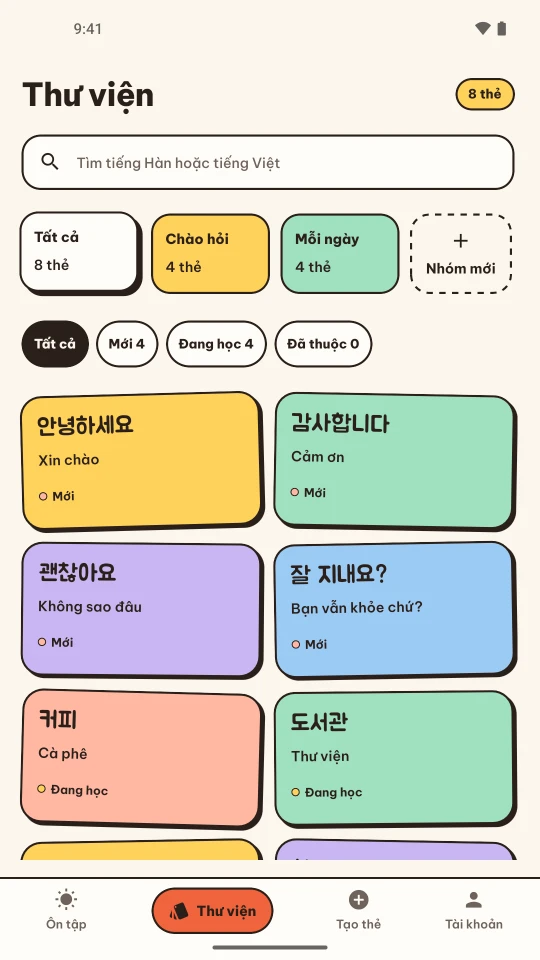
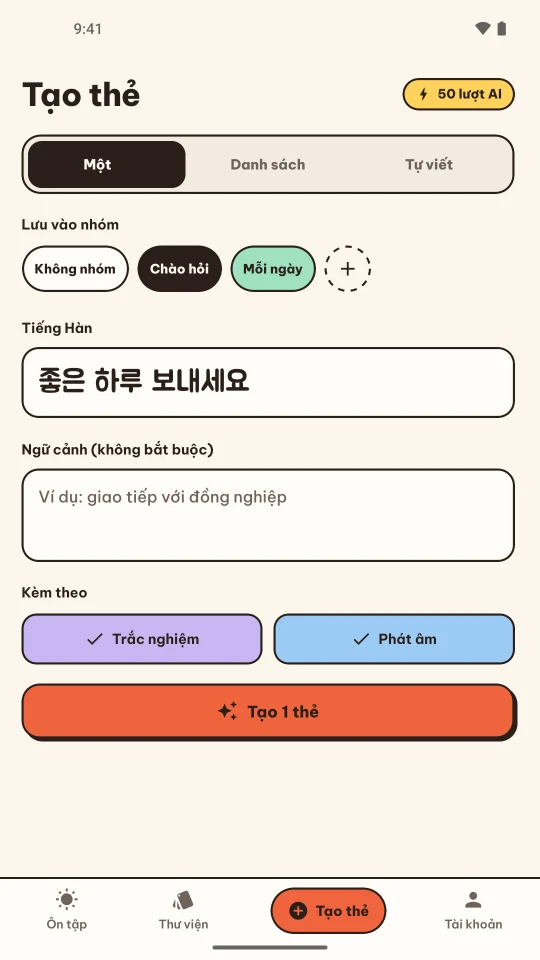
Real Android app screenshots with illustrative study data.
Built by Nguyễn Việt, Hangul is a Korean vocabulary app for Vietnamese learners. It pairs words and phrases with context and examples, helping learners understand how to use them.
The current beta is free, with no paid plans or ads. AI features have usage allowances displayed in the app.
Yes. A Hangul account stores and syncs your library, profile and study progress between devices.
You can review cards already saved on your device. AI generation, downloading pronunciation and cloud sync require an internet connection.
Hangul 0.2.11 is an Android beta delivered through Google Play internal testing for invited accounts. Contact Hangul to request access.
Add up to 40 words per batch, with text generated for up to 40 cards at once. Progress shows completed cards and items that need another try. Hangul shows an in-app result notice; device notifications require permission. Saved cards remain if you pause. Reopen Hangul and choose Continue for any waiting items.
Try Hangul and tell us what would make it better.